
Additional Information
- The Search - Dropdown is authored in the locale page by the Admins.
- Frequently Searched Keywords can be authored at a locale page level with no limitations to the number of keywords.
- The Search - Result page can be authored by Editors.
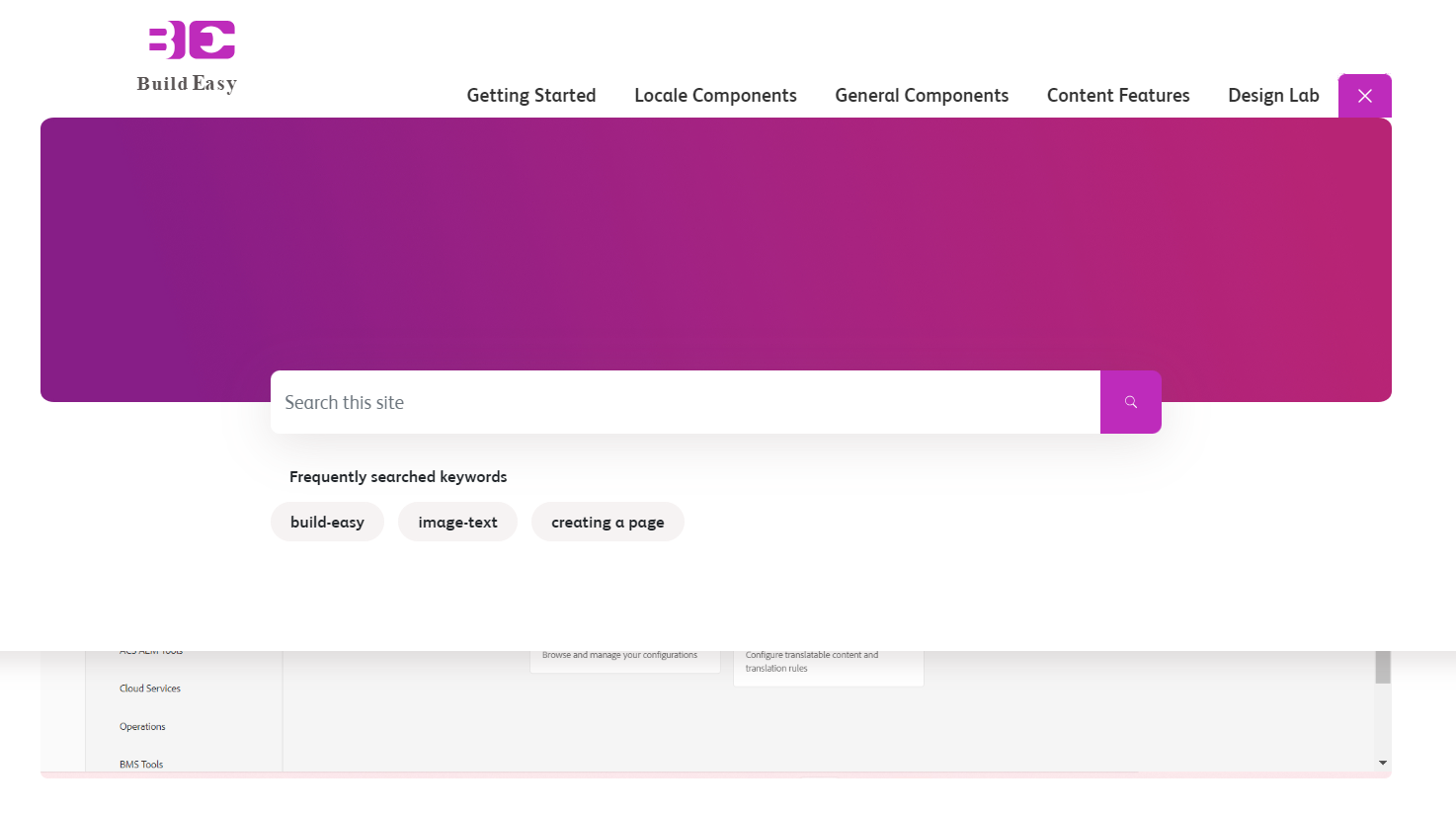
- The site search is available from the search icon right to the main navigation.
- On click it opens a search area like the area opened for flyout navigations.
- While opening the search icon converts into a button with a “X” to close the area.
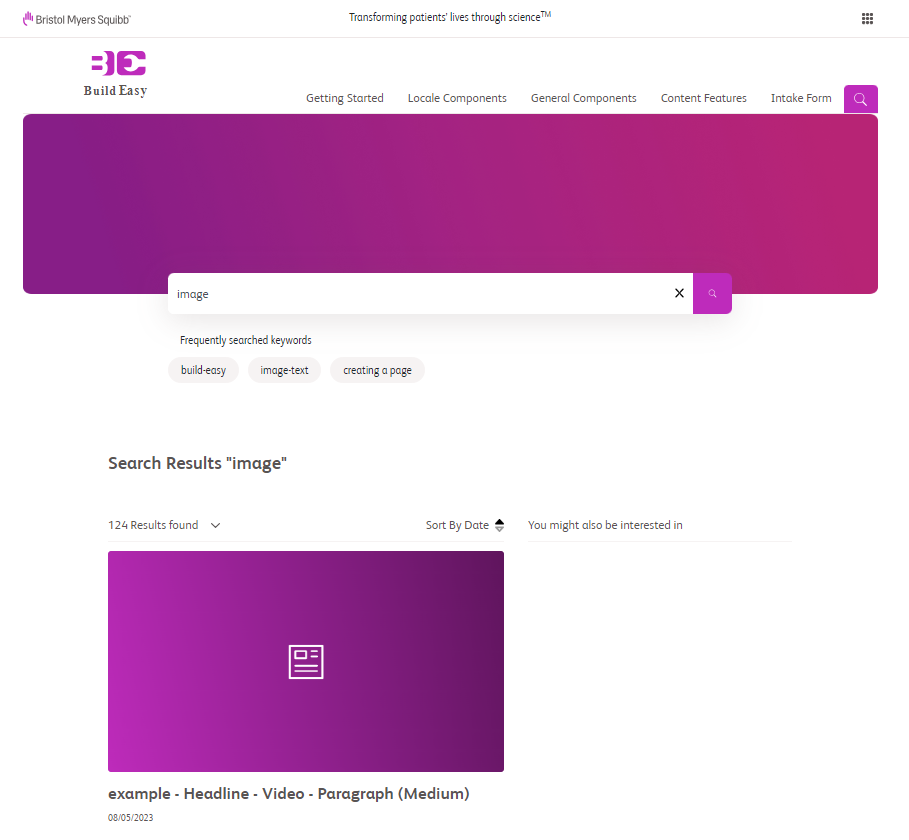
- The search result page will show search results for pages and resources as cards, with title and description.
- The search iconis a fixed one & the close icon are fixed which cannot be changed. The searched keyword is reflected below the search results text
- The search results consists of a title, description, image & the published date. Ellipsis would appear if the search description exceeds more than 3 lines.
- Default search image appears derived from the site scope colors if the search result does not have an image associated with it.
- Provision to exclude pages from appearing on search results. For instance, pages such as 404 (Page Not found), 500 (Internal Server error) can be excluded from appearing on the search results page.
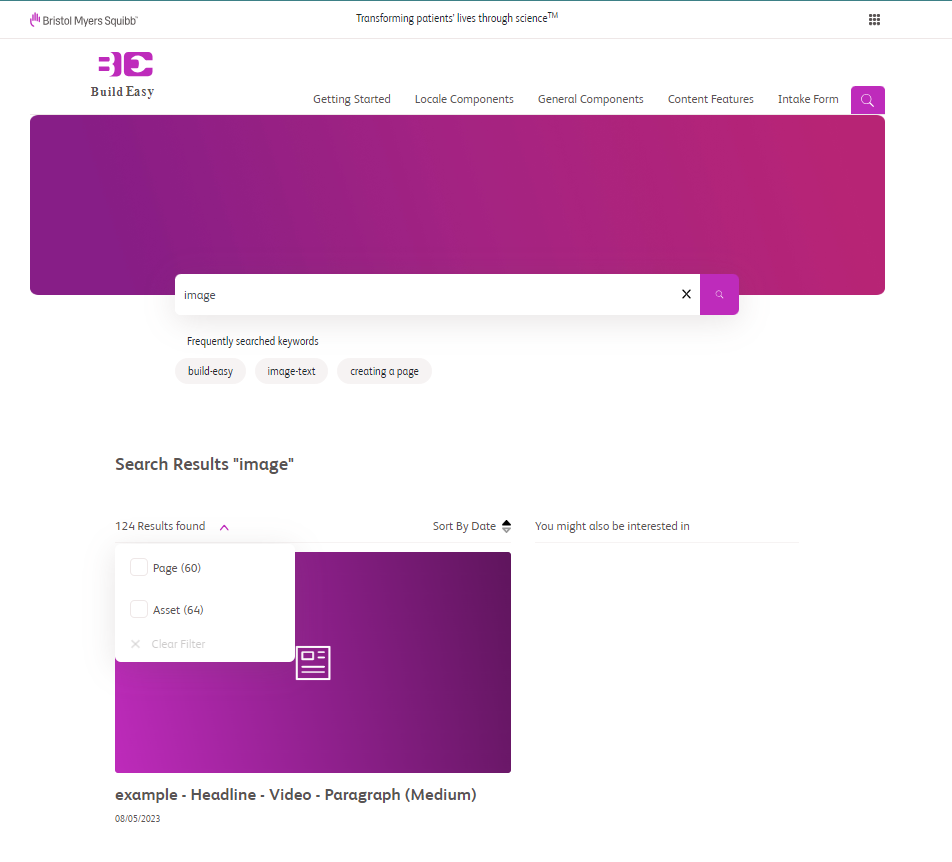
- While clicking the Dropdown for search results, option to filter between pages and assets (pdfs/documents) is available.
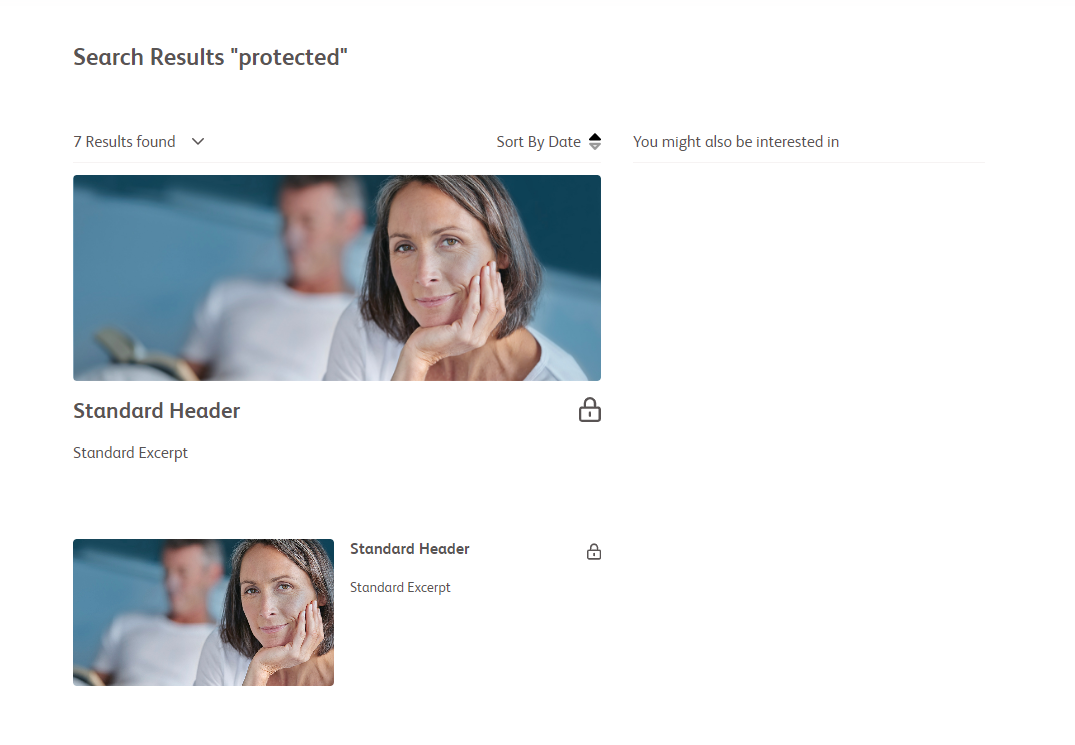
- A protected page will have a lock icon beside the title when it comes up in a Search result page, before logging in to the site. After login the lock icon is removed from a protected page card in the search results.
For more details on authoring please visit Search Page authoring guide.
